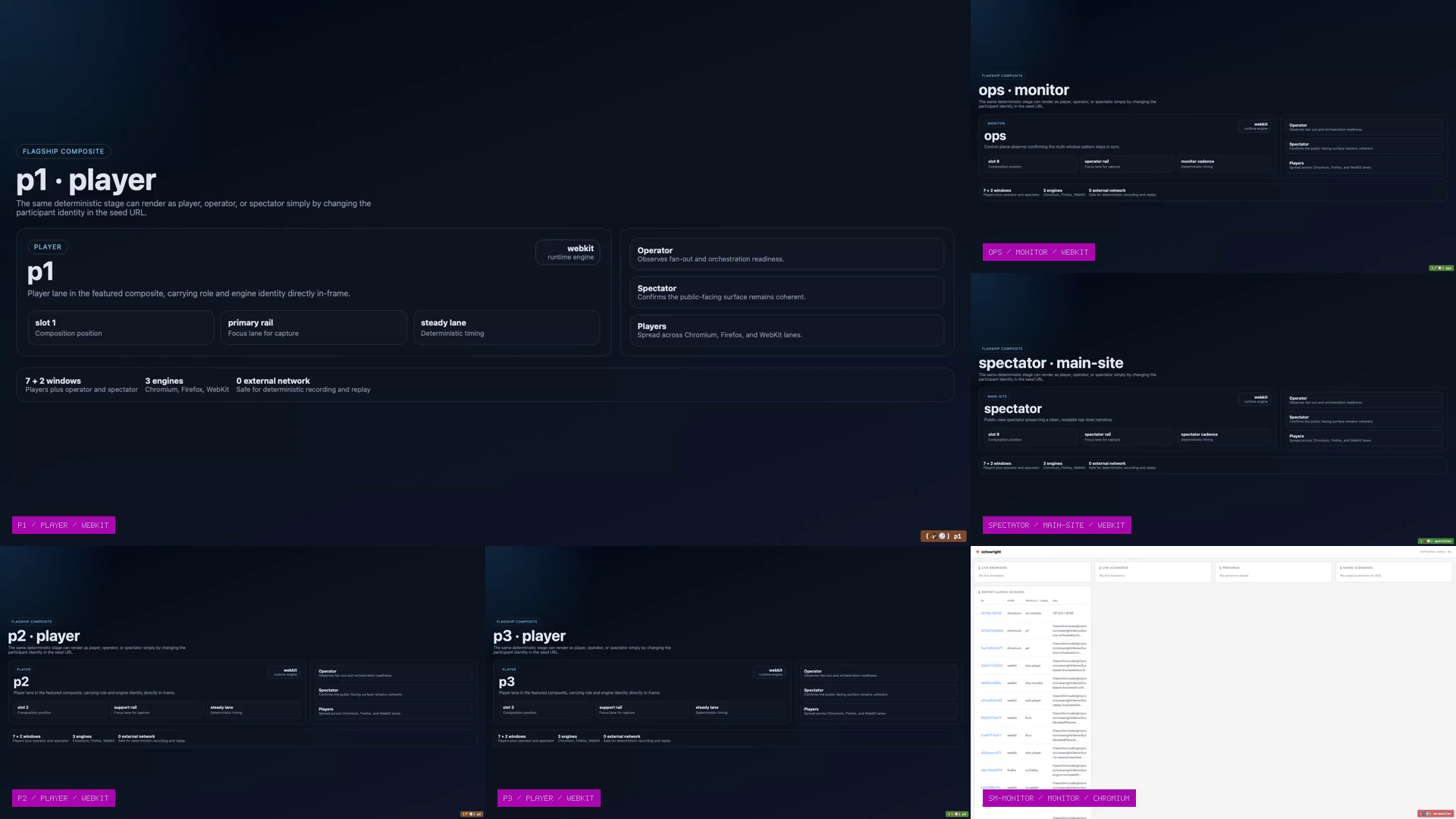
Webkit · Firefox · Chromium
Seven Mix Orchestration
Seven players claim tiles on a shared canvas while an operator watches the aggregate live. Nine browsers actually coordinating — not nine empty tabs.
Built for development and testing
Octowright gives coding agents and engineers a shared control plane for Chromium, Firefox, and WebKit, with persistent personas, replayable recordings, and test-friendly artifacts.
Seven Mix Orchestration
Nine coordinated panes across three engines, one deterministic run, one checked-in bundle.
Featured Demos
Orchestration, cross-engine comparison, and role-based verification. Each demo is a real bundle with replay artifacts you can inspect and rerun.
Webkit · Firefox · Chromium
Seven players claim tiles on a shared canvas while an operator watches the aggregate live. Nine browsers actually coordinating — not nine empty tabs.
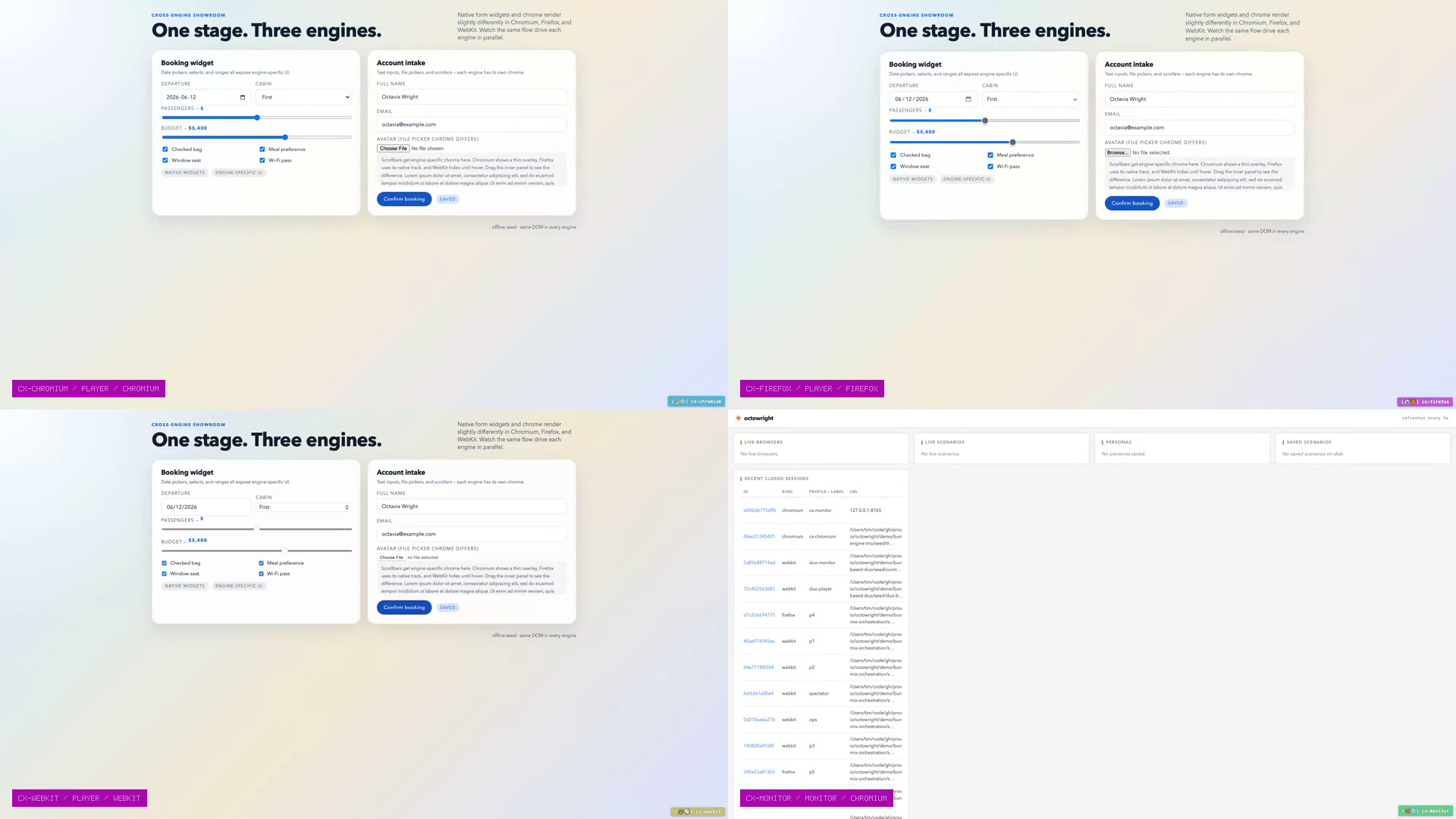
Chromium · Firefox · Webkit
Three engines run the same Wikipedia search in parallel. Watch where they agree and where timing differs.

3 panes · Webkit
Three roles each run their own verify macros against the same scenario. Each asserts what its role should see.
How Octowright Works
Use one runtime for local debugging and CI checks: coordinated browsers, recorded actions, replay exports, and verify artifacts.
Start Chromium, Firefox, and WebKit in parallel with persona-aware profiles that keep login state across runs.
Drive role-based participants with reusable macros, then run verify flows as tests for repeatable multi-user checks.
Each run keeps JSONL recordings, replay exports, and verification outputs you can review locally and publish in pipelines.
Get Started
Register Octowright as an MCP server, run a short browser flow, save it as a macro, and execute scenario verification with JUnit output.
Open quickstartgit clone https://github.com/livingstaccato/octowright.git
cd octowright
uv sync
uv run playwright install chromium firefox webkit.mcp.json (project) or ~/.claude.json (global)
{
  "mcpServers": {
    "octowright": {
      "command": "uv",
      "args": ["--directory", "/abs/path/to/octowright", "run", "octowright", "serve"]
    }
  }
}
~/.codex/config.toml
[mcp_servers.octowright]
command = "uv"
args = ["--directory", "/abs/path/to/octowright", "run", "octowright", "serve"]
Cursor, Continue, Zed, or any MCP-aware harness
{
  "mcpServers": {
    "octowright": {
      "command": "uv",
      "args": ["--directory", "/abs/path/to/octowright", "run", "octowright", "serve"]
    }
  }
}
Why It's Different
Launch coordinated participants as a scenario (players, monitor, spectator) instead of faking concurrency with one tab.
Every action is recorded so runs are explainable: re-run flows, export scripts, and inspect timeline evidence in the dashboard.
Run verify macros as tests and emit JUnit output so Octowright fits directly into existing release gates.
CLI / Workflow
Serve Octowright, run scenario verification, and execute macro test suites with JUnit output.
$ uv run octowright serve$ uv run octowright scenario start verify-suite --test --out artifacts/verify-suite.xml$ uv run octowright test --tag verify --out artifacts/macro-tests.xml